

Oct
distributed by Audio Chocolate, Monitoring, New Product Announcements, pro audio, Product News
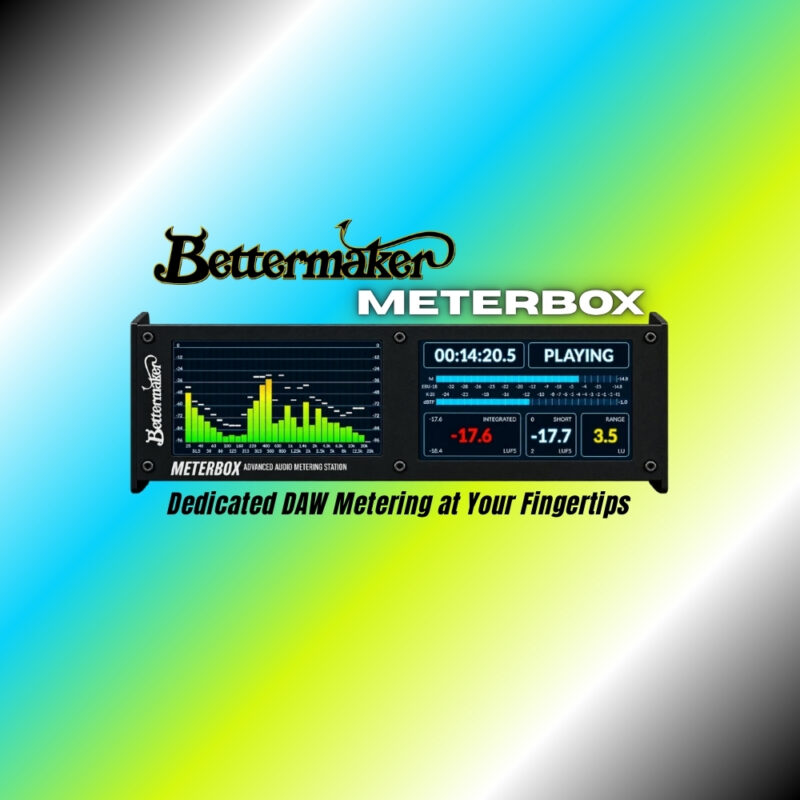
Bettermaker Meterbox: Dedicated DAW Metering at Your Fingertips
Bettermaker Meterbox: Dedicated DAW Metering at Your Fingertips
Bring Essential Audio Measurements into View
When recording, mixing and mastering, keeping track of levels, loudness, frequency content and stereo compatibility is an essential part of the process. However, with modern DAW sessions often filled with plugin windows, editing tools, virtual instruments and routing controls, important metering information can quickly become buried among everything else on screen.
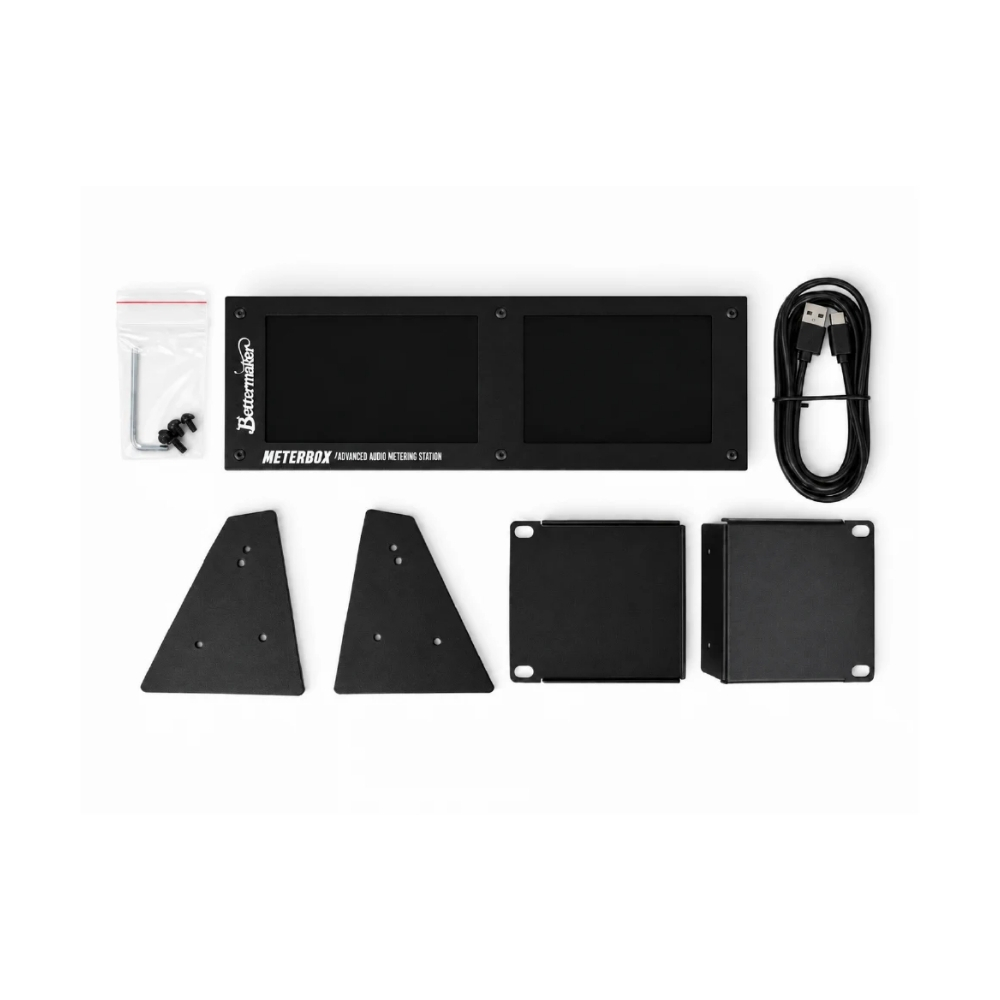
The Bettermaker Meterbox offers a practical solution: a dedicated hardware metering station that displays measurement data directly from your DAW. With two matte, wide-viewing-angle displays, flexible measurement options and straightforward USB-C connectivity, Meterbox keeps essential audio information visible while leaving your computer display available for the creative and technical work at hand.
⬇️ ⬇️ ⬇️ ⬇️ ⬇️
Two Dedicated Displays for Your Studio
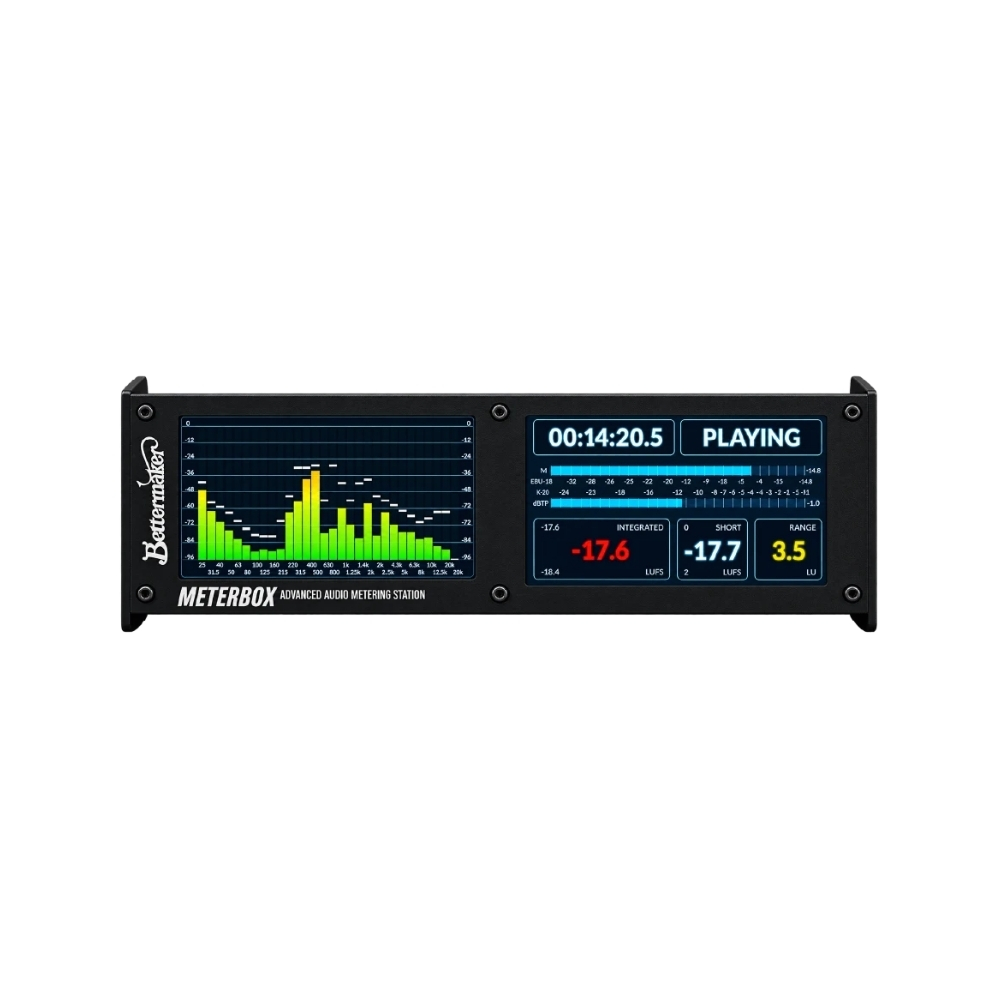
Meterbox features two matte displays designed to remain readable under studio lighting and from different working positions. Rather than continually opening, moving or resizing plugin windows, you can keep important measurements in view on a dedicated hardware unit positioned where it suits your workflow.
Each display can show a different measurement, allowing you to monitor two aspects of your audio simultaneously. Alternatively, configure the screens to show the left and right channels separately for a clear stereo metering arrangement. Whether you want to keep an eye on frequency content while monitoring loudness or maintain a constant view of your stereo signal, the flexible display configuration adapts to your needs.
Simple USB-C Connectivity
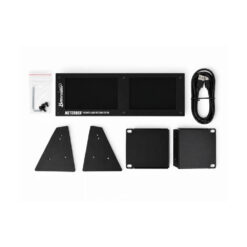
Integrating additional hardware into a studio should not mean adding unnecessary cabling and power supplies. Meterbox uses a single USB-C connection to handle both data and power, eliminating the need for a separate external power supply.
This straightforward setup makes it easier to incorporate dedicated hardware metering into an existing production environment while keeping the workspace clean and organised.
Direct Integration with Your DAW
Meterbox receives its measurement data through the Bettermaker Meterbox plugin, which is available in all major plugin formats. This approach combines the flexibility of software-based measurement with the visibility and convenience of a dedicated physical display.
The plugin sends selected measurements from your DAW to the hardware, allowing Meterbox to function as an extension of your existing recording and mixing workflow. You can maintain access to essential audio information without dedicating valuable space on your main computer display to metering windows.
Expand Your View Beyond Stereo
While dedicated stereo monitoring is useful in any studio, more complex sessions often involve numerous channels that need to be checked throughout production. Meterbox supports additional node plugins that send measurements from other channels in the DAW, allowing information from 4 to 16 channels to be viewed on the unit.
This multichannel capability makes Meterbox relevant to larger mixing sessions and more involved production workflows, where maintaining an overview of multiple signals can be important. It extends the concept beyond a conventional stereo meter and offers a more flexible way to keep track of different channels within a session.
Comprehensive Audio Analysis and Loudness Monitoring
Meterbox offers a broad selection of measurement tools covering frequency analysis, stereo relationships, loudness and signal levels.
Its real-time analyzer (RTA) provides a visual representation of frequency content, helping engineers observe tonal balance and changes across the spectrum. Extended phase correlation metering helps assess relationships between channels and stereo compatibility.
For loudness and level monitoring, Meterbox supports LUFS (LKFS), peak and RMS measurements, dBFS and dBTP. These tools provide complementary views of programme loudness, signal level and digital peak behaviour, helping engineers assess audio throughout production and final delivery.
Familiar Metering Standards for Different Workflows
Alongside its analytical tools, Meterbox includes K-System and Dorrough-style metering, as well as traditional VU and PPM displays. These options accommodate different working preferences and metering approaches, whether you are tracking levels during recording, balancing a mix or checking a finished production.
Having several measurement formats available from one dedicated station gives you the flexibility to select the information most relevant to the task, rather than relying on a single meter type for every situation.
More Than Just Audio Meters
Meterbox also incorporates a clock, session timer and visual metronome. These additional tools make the unit useful beyond detailed signal analysis, keeping practical timing information accessible during everyday studio work.
By bringing these utilities together with audio metering on the same dedicated hardware station, Meterbox helps reduce the need to switch between different windows and tools throughout a session.
A Practical Addition to Recording, Mixing and Mastering
The appeal of Meterbox lies in its combination of dedicated displays, direct DAW integration and flexible metering options. Rather than replacing the software tools already used in the studio, it provides a convenient way to keep important measurements visible alongside them.
From stereo recording and mixing to multichannel production and mastering, the ability to monitor levels, loudness, frequency content and phase relationships without occupying additional computer screen space can make for a more organised workflow.
Discover the Bettermaker Meterbox
With dual matte displays, single-cable USB-C connectivity, plugin-based DAW integration and support for measurements from 4 to 16 channels, the Bettermaker Meterbox brings professional audio monitoring into a dedicated hardware format designed for modern studio work.
Add comprehensive metering, an integrated clock, session timer and visual metronome, and Meterbox becomes a practical companion for engineers who want critical audio information readily available throughout their sessions.
👉 Explore the Bettermaker Meterbox at Audio Chocolate and discover a more convenient way to keep your essential DAW measurements in view. 👇